
Easy Daily TV Care Hacks That Extend Your Device Lifespan Way Longer
Small unnoticeable daily habits can prevent common TV breakdowns and save hundreds of dollars on unnecessary repair costs.
Modern slim-profile TVs are designed to blend seamlessly into home decor, and many households choose to mount them flat against the wall with barely any gap behind the panel, or stack piles of wired accessories and decorative ornaments directly on top of the TV frame. Very few people realize that the compact internal layout of these thin devices generates a surprising amount of heat during long streaming marathons, and blocked ventilation gaps can push internal temperatures 20 degrees higher than the manufacturer’s recommended operating range. Long term overheating speeds up the aging of core circuit components by nearly three times the normal rate, and many sudden screen blackouts or color distortion issues that consumers mistake for factory defects actually stem from months of accumulated trapped heat. The simplest fix only requires leaving at least four inches of empty space around all ventilation openings on the TV body, and avoiding covering the top or back of the device with blankets, posters or random storage items.
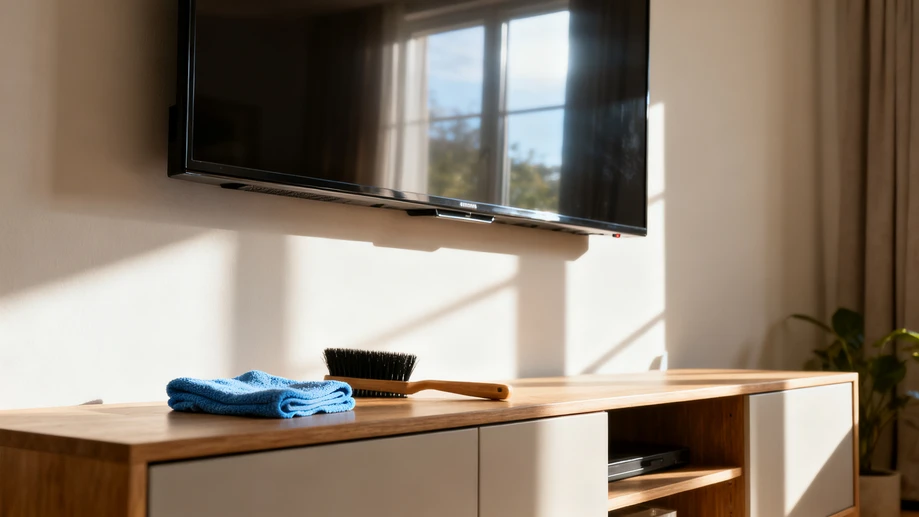
Improper screen cleaning practices count for the largest share of avoidable cosmetic damage to household TVs. Most people grab whatever cleaning cloth is closest, from kitchen dish towels to paper towels, and spray regular glass cleaner, all-purpose disinfectant or even window washing solution directly onto the screen to erase fingerprints and smudges. The alcohol, ammonia and surfactant ingredients in these common cleaning products gradually erode the thin anti-glare, anti-scratch coating applied to the top of the display panel, leaving behind hazy, irremovable foggy patches that get worse with every subsequent cleaning. Once this outer coating is damaged, there is no way to repair it short of full screen replacement. The correct low-cost cleaning method only calls for a dry, soft microfiber cloth to wipe the screen gently in uniform straight lines, and extra stubborn stains can be removed with a cloth that is barely dampened with pure water and wrung completely dry before contact with the panel.
Neglected port maintenance is another hidden issue that causes plenty of unnecessary frustration for regular TV users. HDMI, USB and audio output ports that stay exposed on the back or side of the TV collect fine household dust over months of use, and the accumulated dust disrupts the connection between cable plugs and internal metal contacts. This leads to issues like random signal dropout, flickering screen when playing high-resolution game content, or no sound output even when all settings show no errors. Most users spend dozens of dollars replacing expensive high-speed cables to fix these problems, when the actual solution takes less than two minutes to complete. Use a small soft dry brush to sweep away loose dust from port interiors once every three months, and insert low-cost plastic dust plugs into unused ports to stop new dust from building up, which can eliminate more than 80% of common signal connection failures. It is also important to avoid plugging or unplugging high-definition cables while the TV is running, as small electrical surges from this action will wear down port contacts over time.
Many households get into the habit of leaving their TVs plugged in and on standby mode 24 hours a day, even when all family members go on a multi-day vacation away from home. This seemingly harmless habit puts the internal power supply board under constant low load pressure, and leaves the device completely unprotected against unexpected power surges that come with heavy thunderstorms or regional grid adjustments. These sudden voltage spikes can burn out the core processing chip on the TV motherboard in an instant, and this type of damage is usually not covered by standard product warranties, with repair costs often reaching half the price of a brand new equivalent model. Simply unplugging the TV power cord from the wall outlet, or turning off the corresponding power strip switch when the device will not be used for more than three consecutive days, can fully prevent this type of accidental damage. Small adjustments to daily use routines will keep the TV running smoothly for several extra years without any extra financial investment.